





Story
Why I built Lign
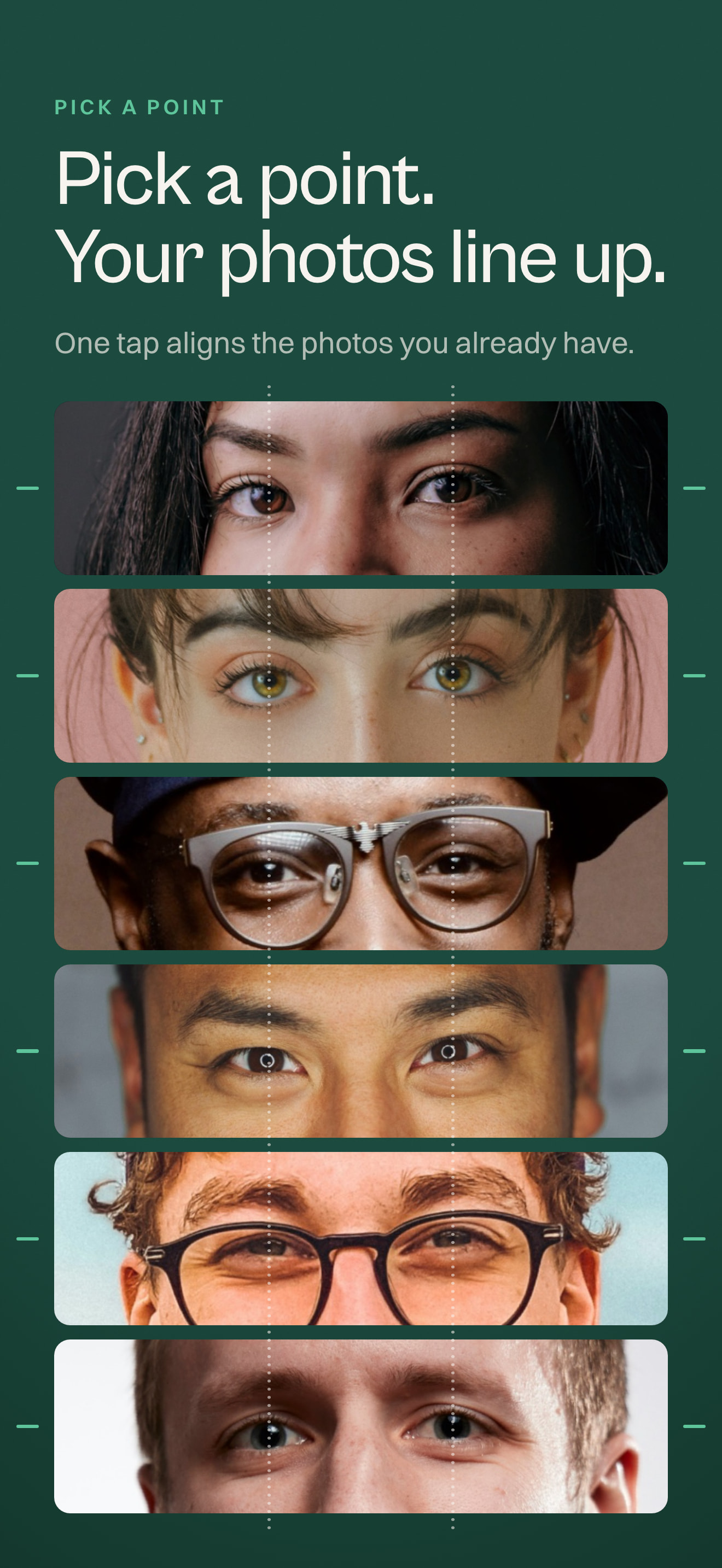
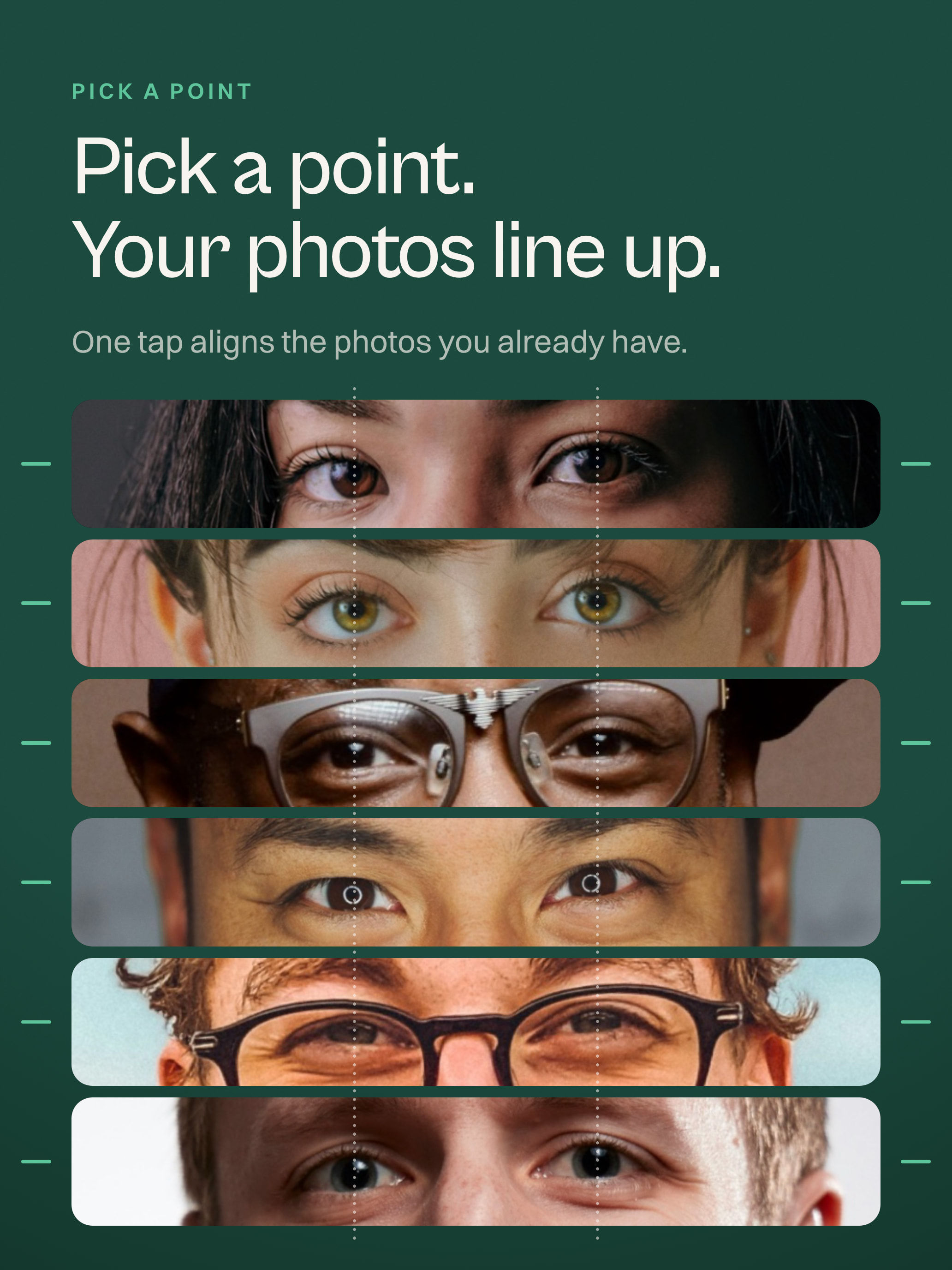
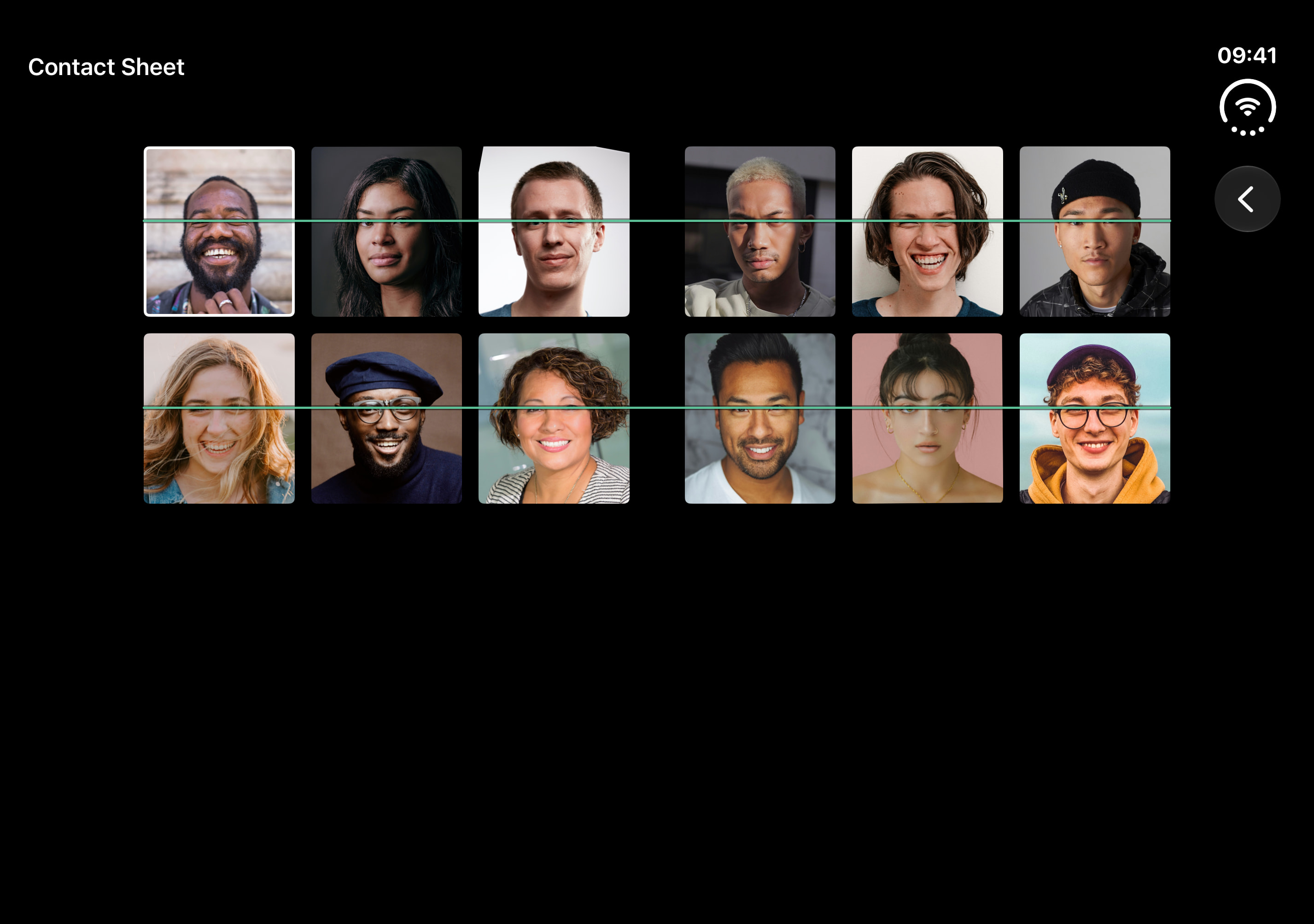
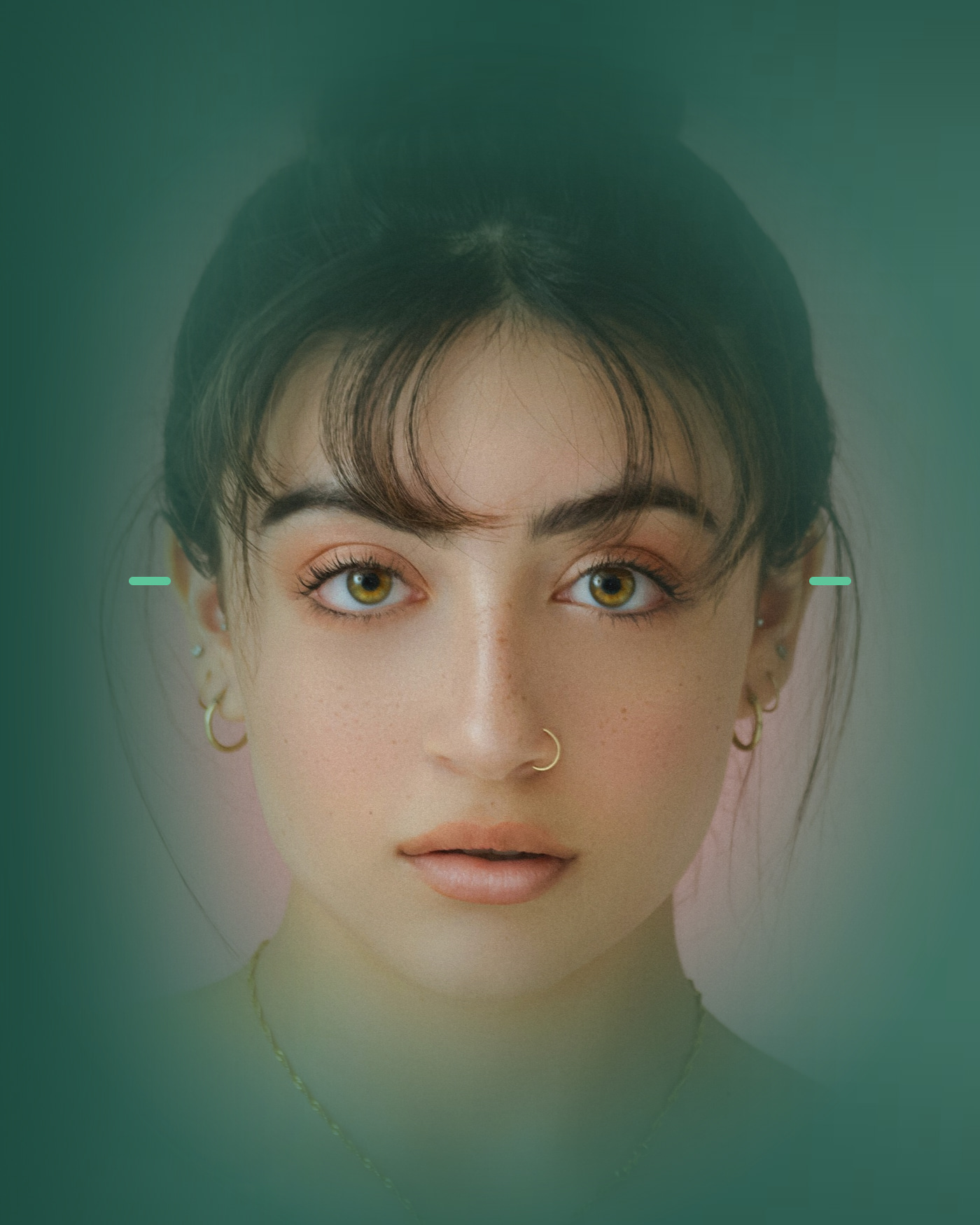
After a wedding, someone shared a fast-cut video of the guests in a group chat. The cuts followed the music, but I couldn't recognize people quickly enough. If their eyes had lined up, every face would have stayed visible.
The first version nearly worked, but it was messy. I deleted it and began again with a clean foundation.
The first algorithm rotated photos until the eyes matched. Tilted heads left black corners, so I built different alignment modes. I also kept revising the wording, because people should be able to choose without having to understand the transformation behind it.
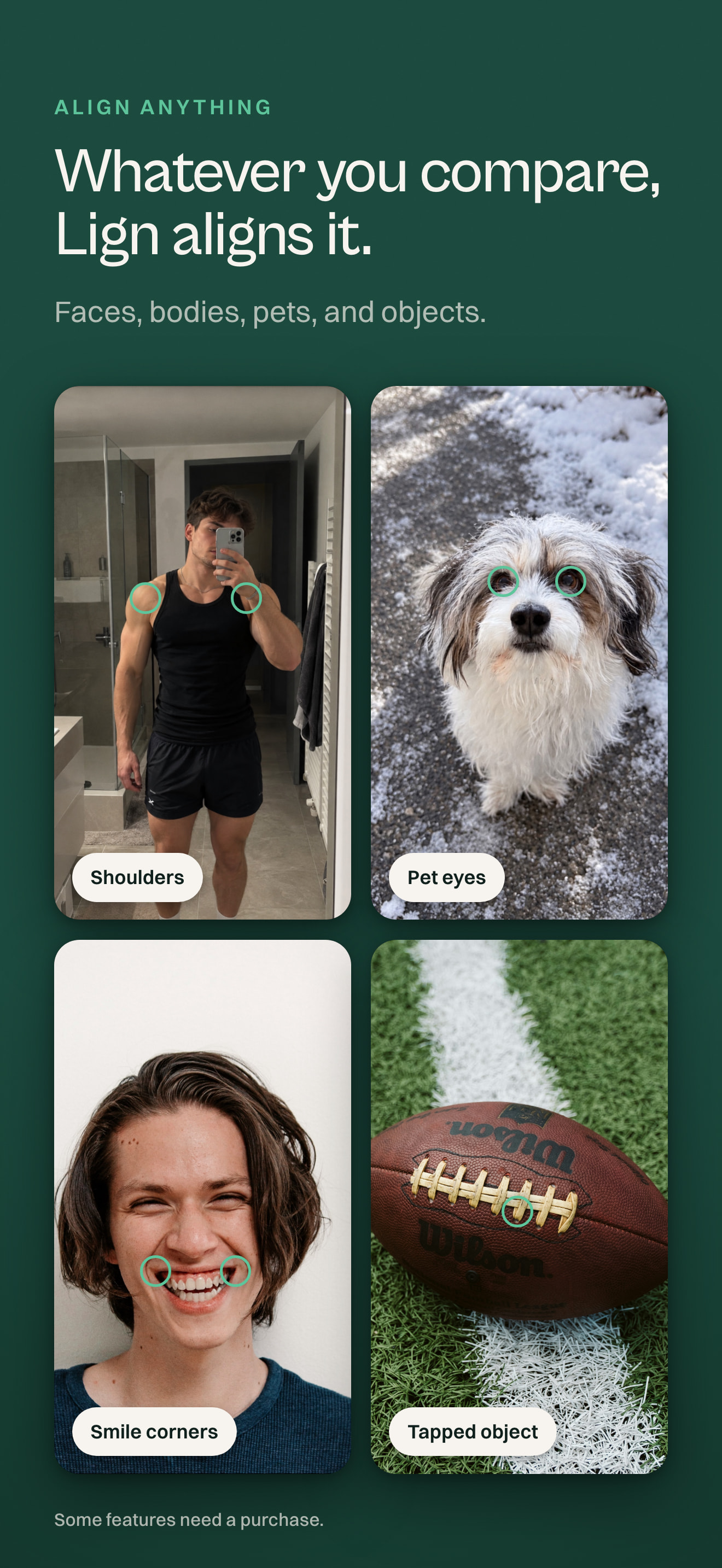
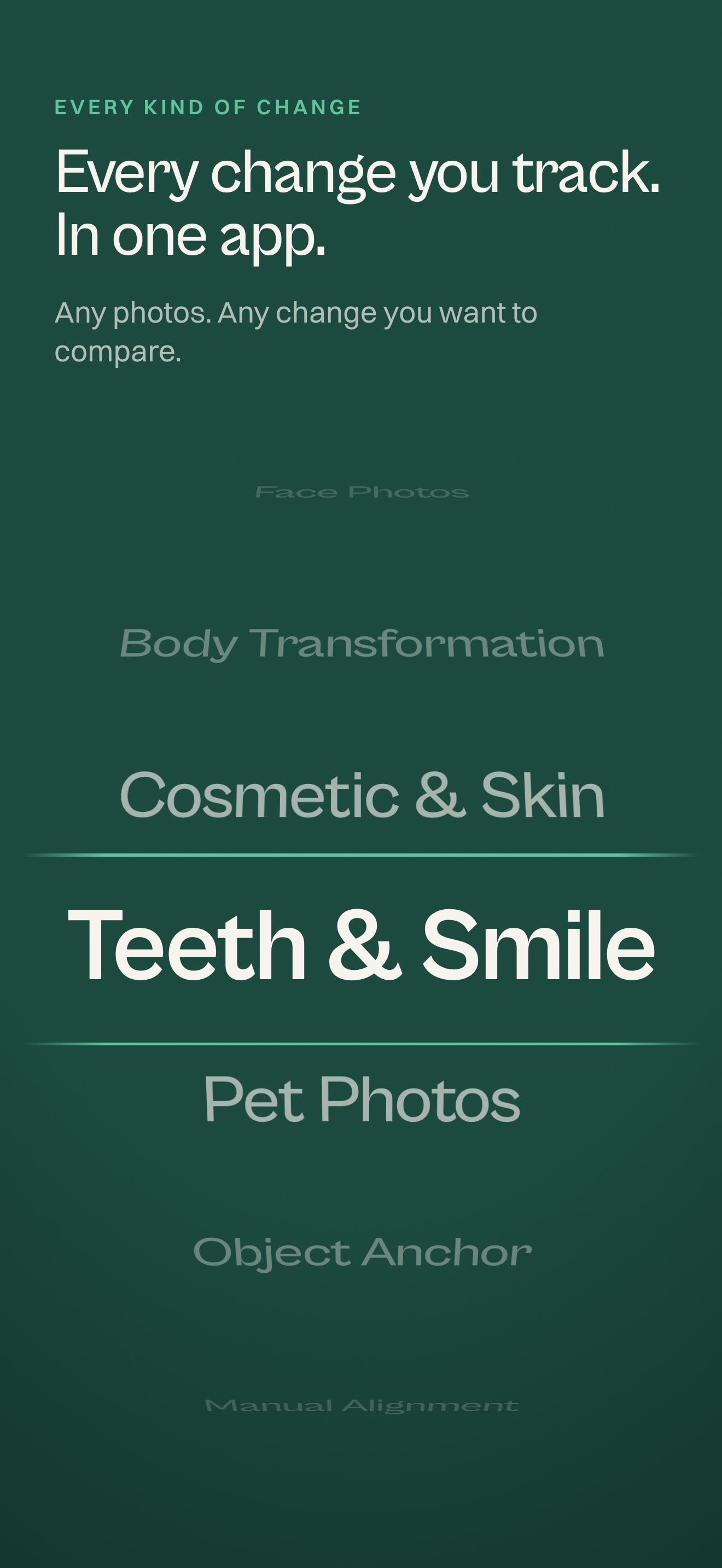
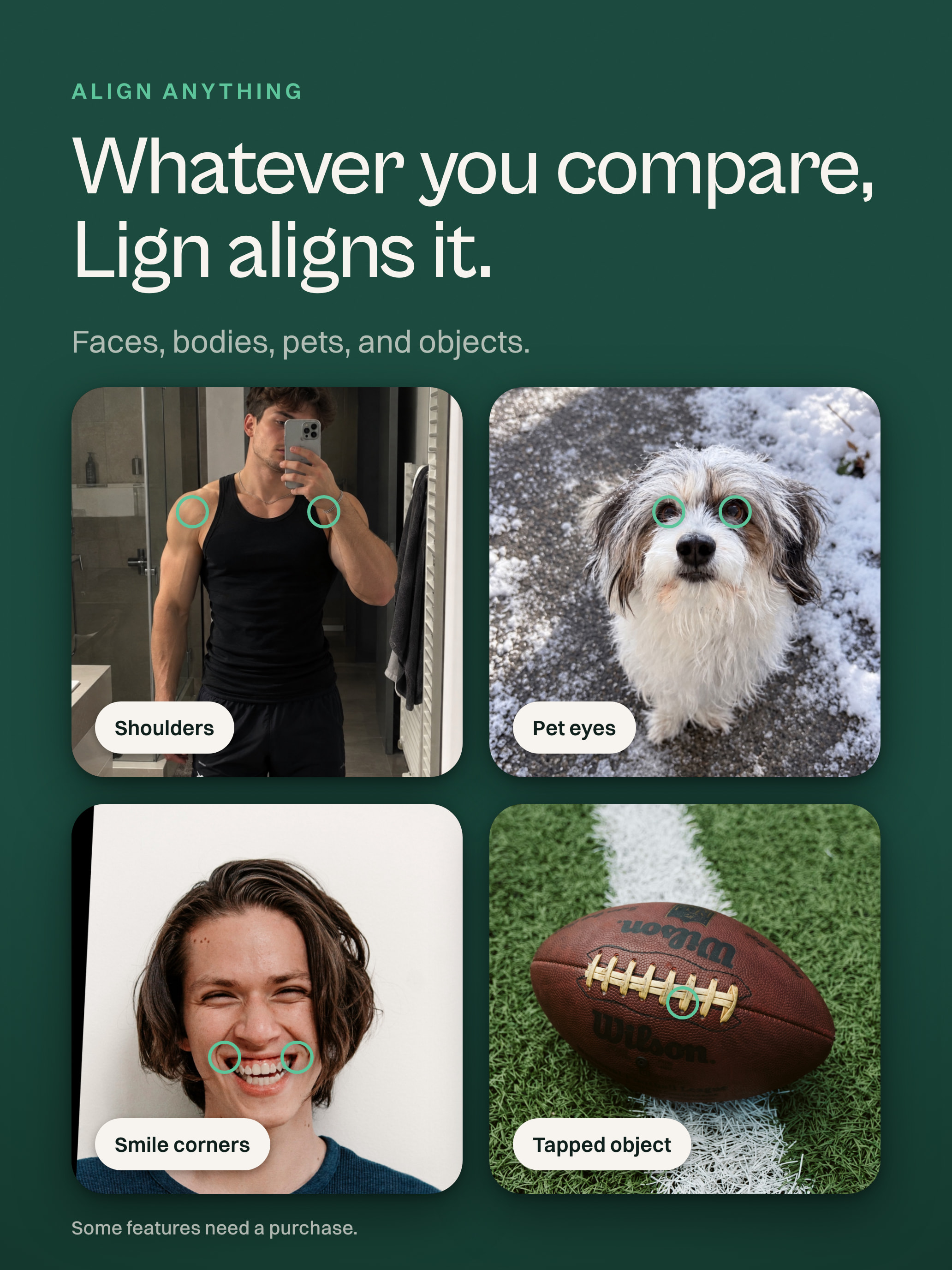
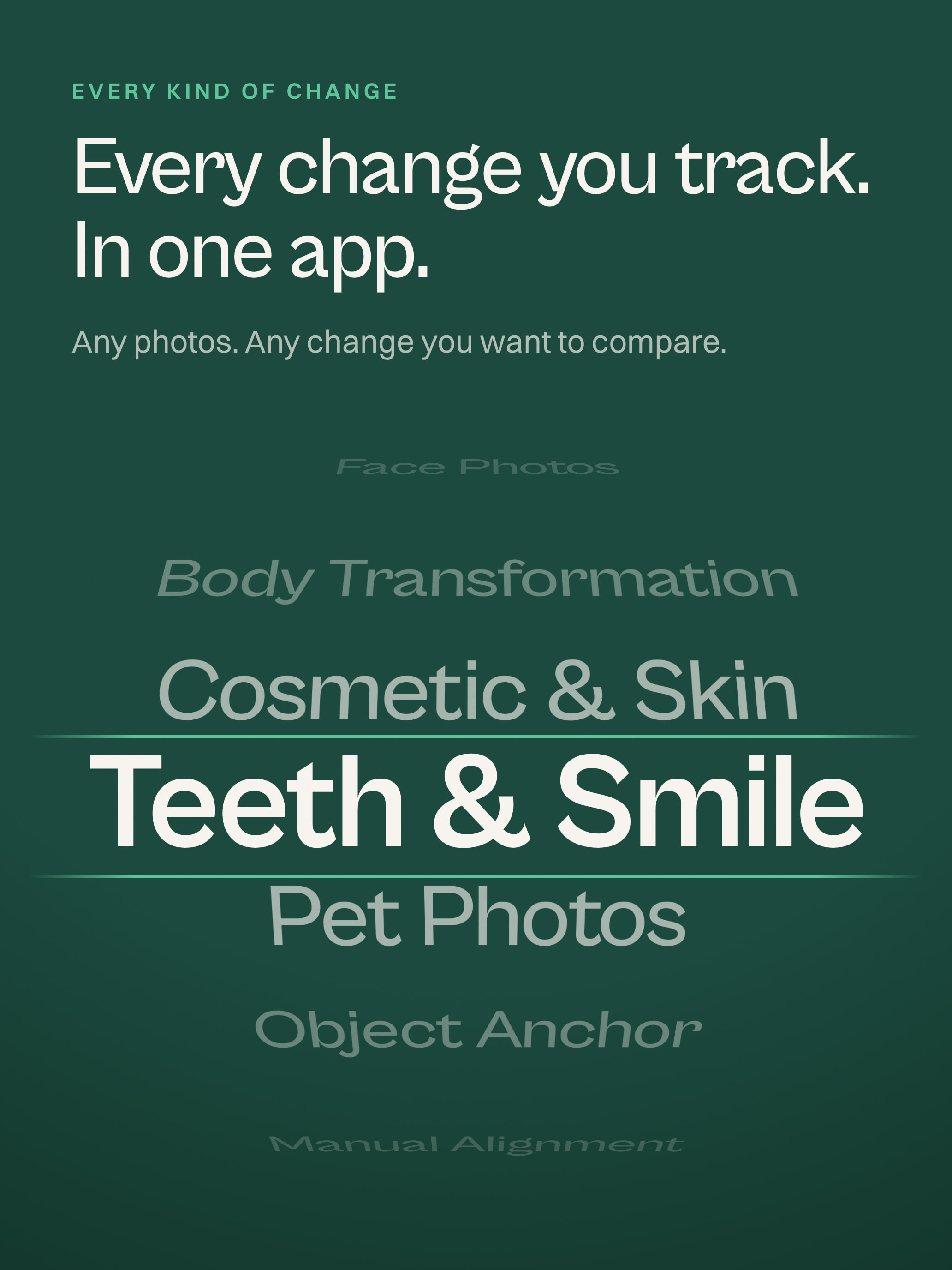
Once the pupils worked, I kept finding more points worth using: brows, nose, mouth, chin, forehead, then shoulders, hips, knees and ankles. That meant supporting one- and two-point alignment, so people could choose what mattered in their photos.
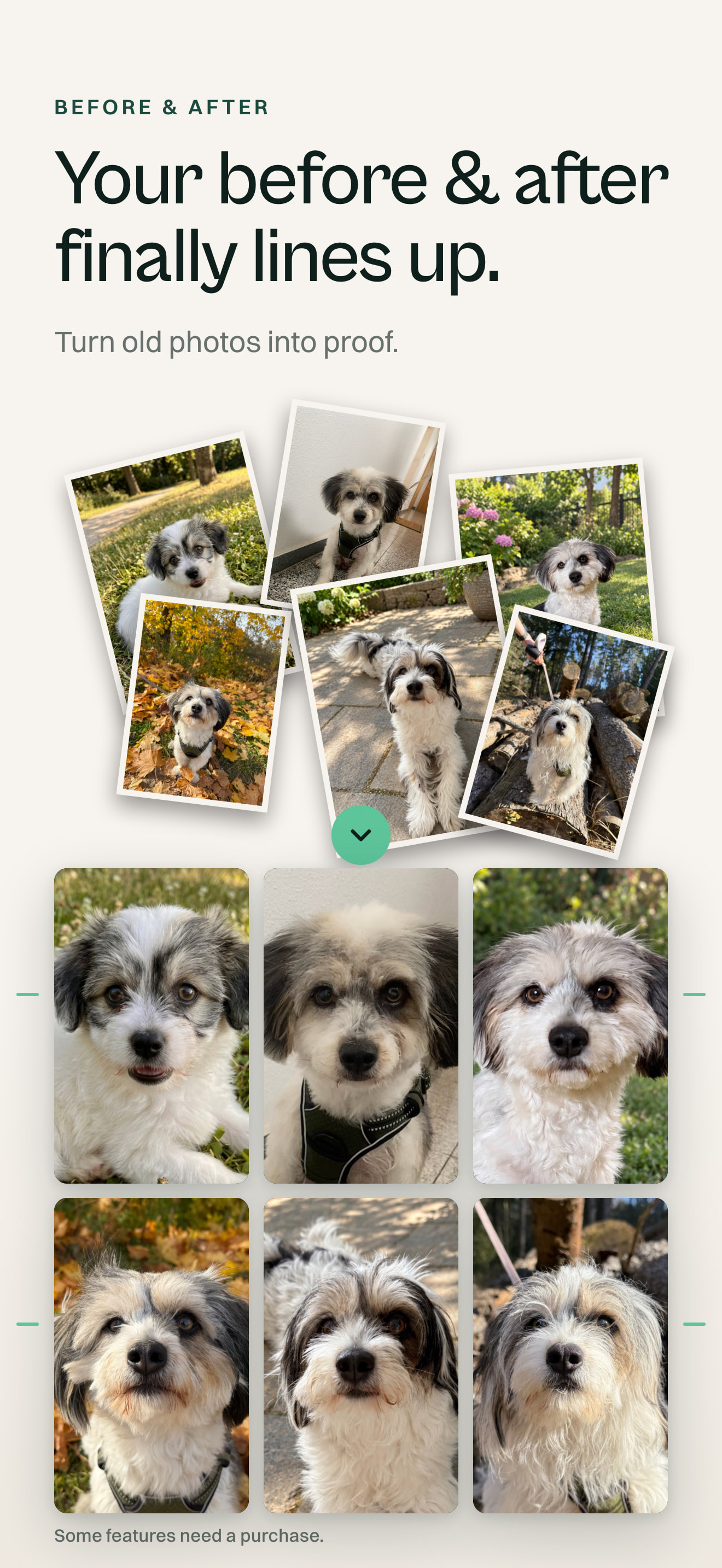
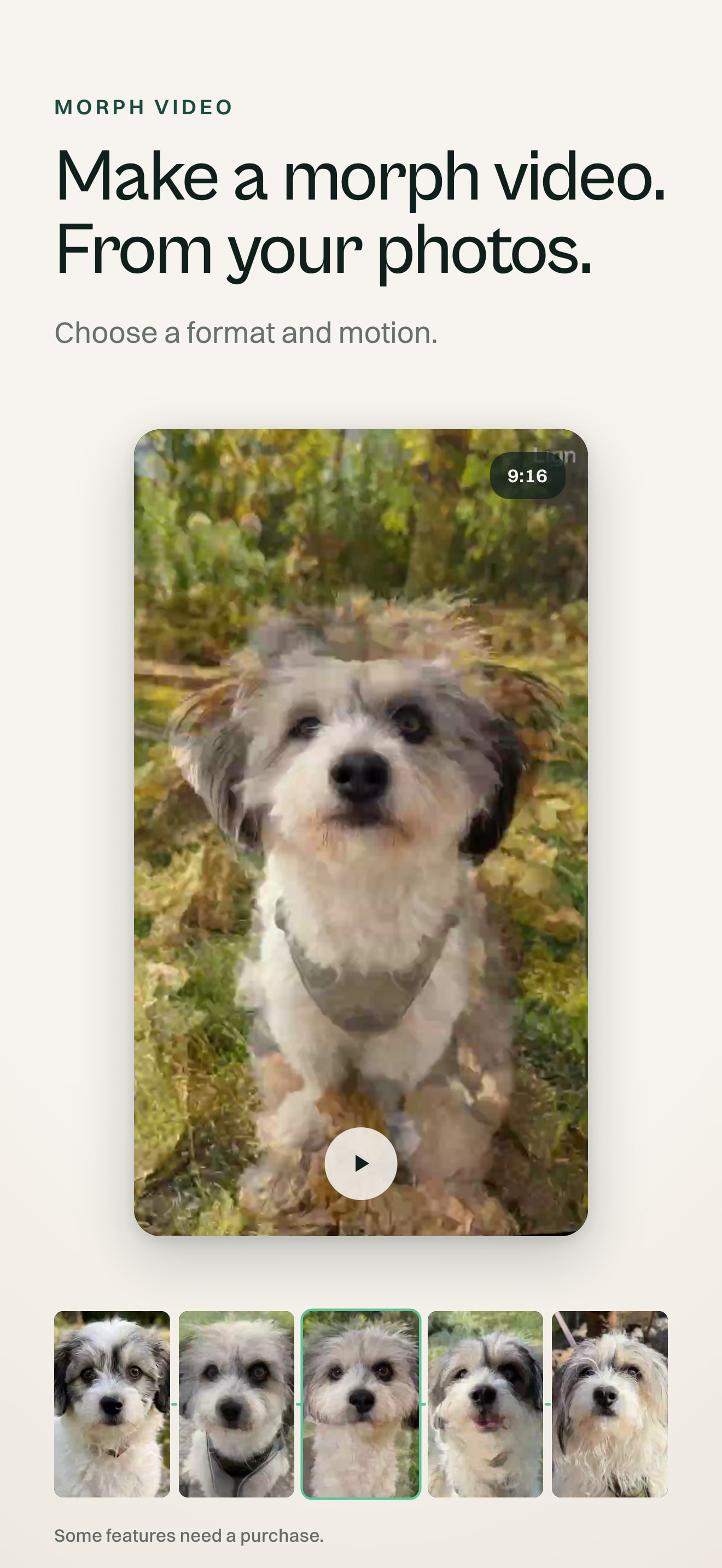
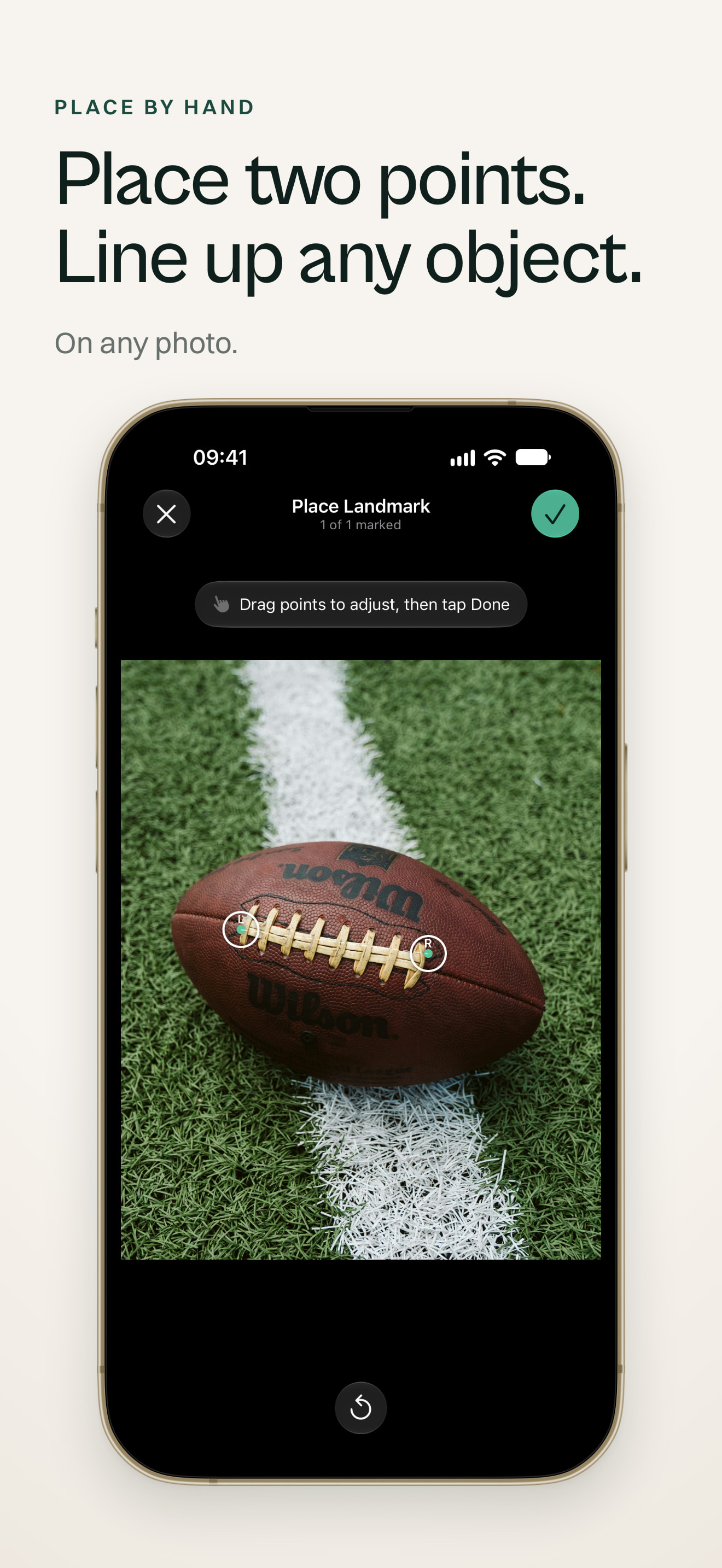
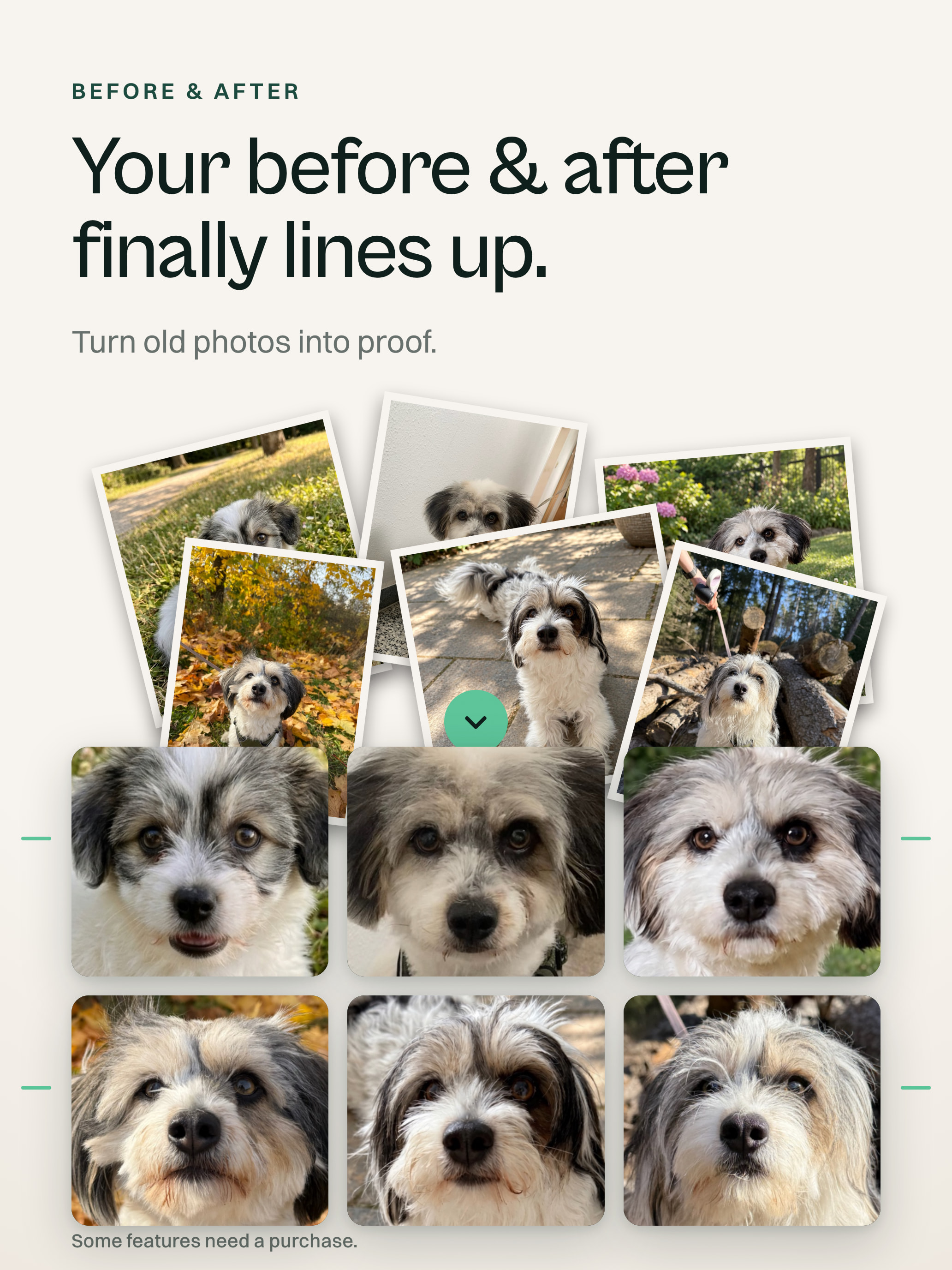
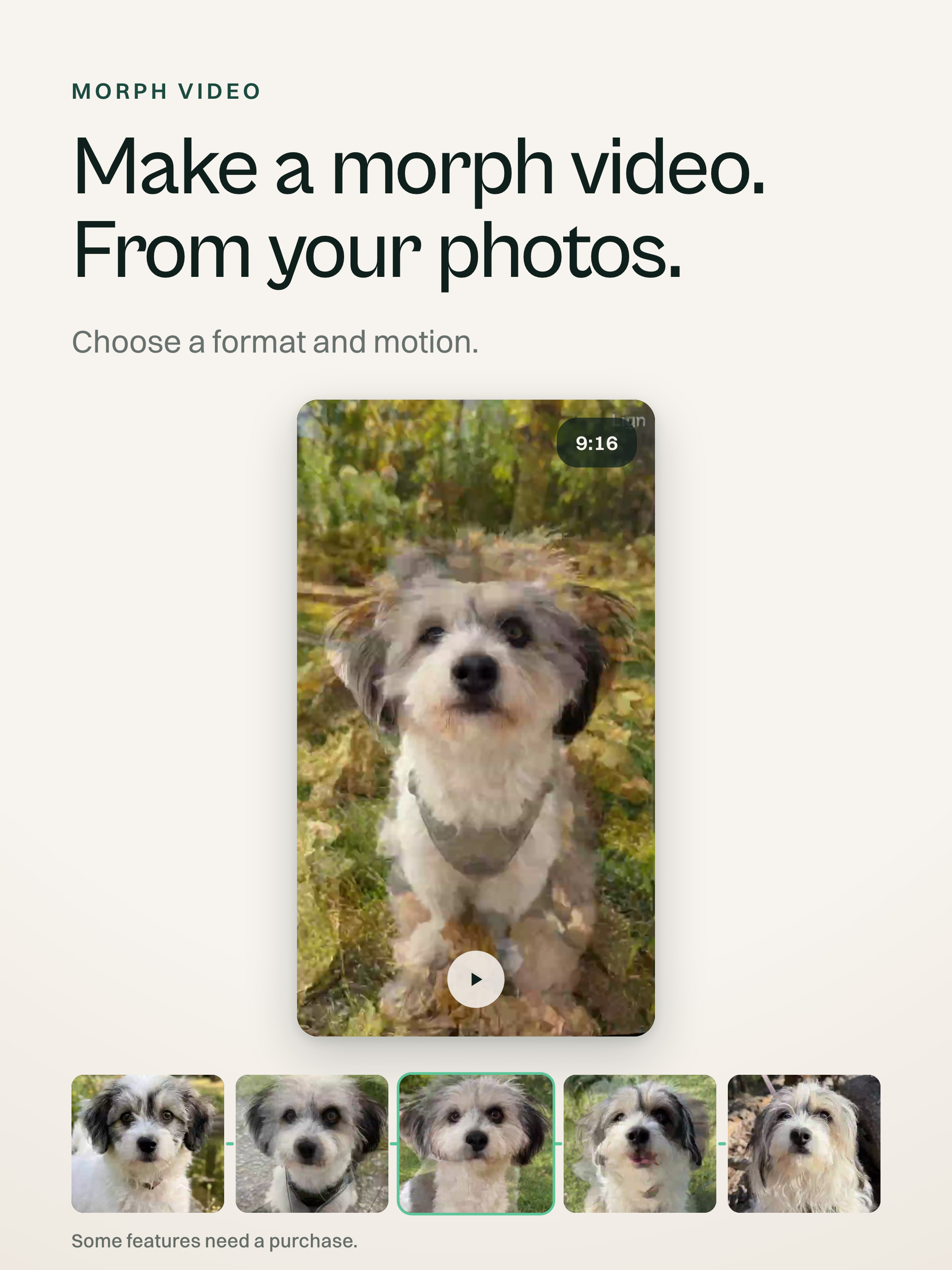
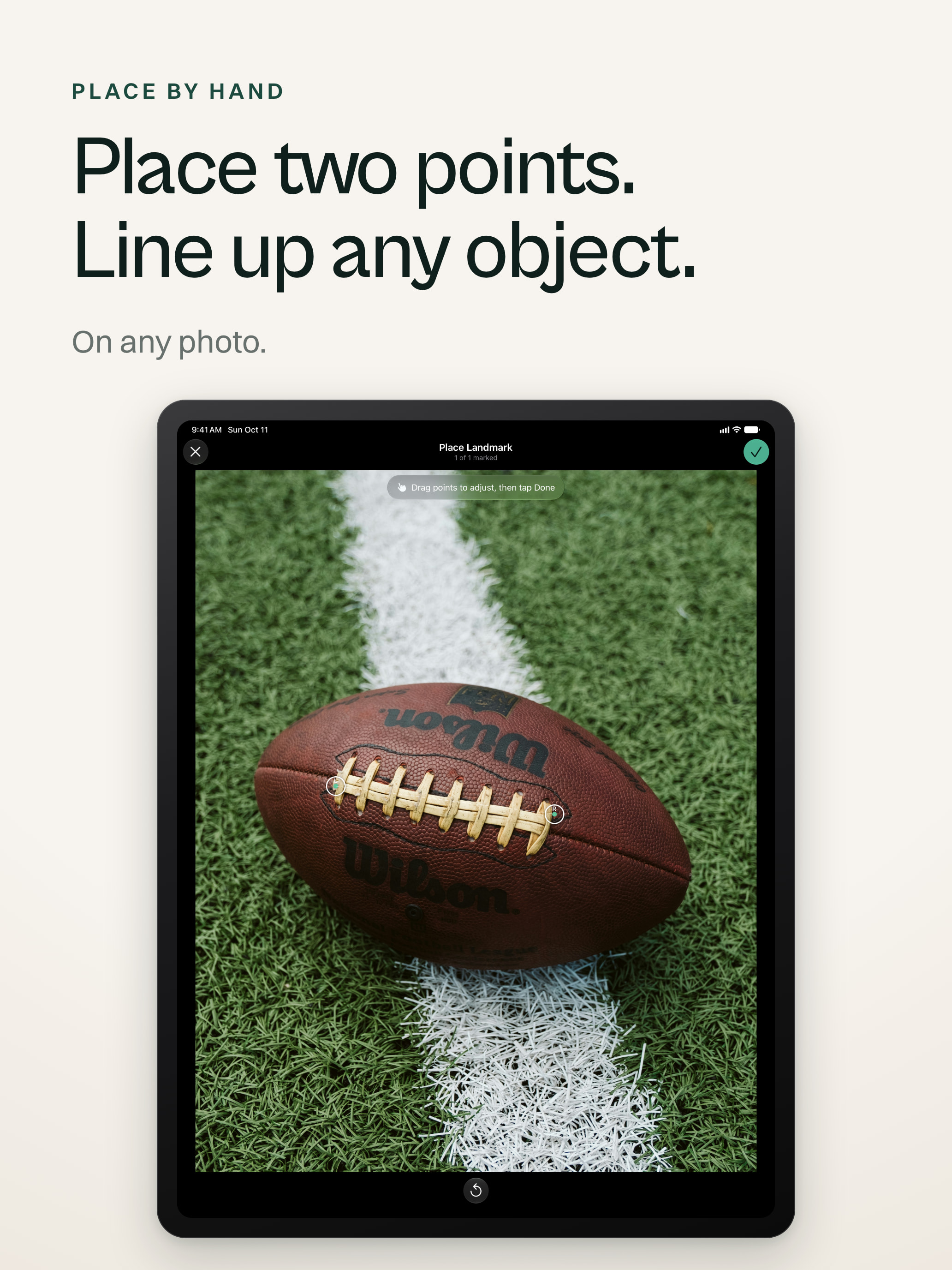
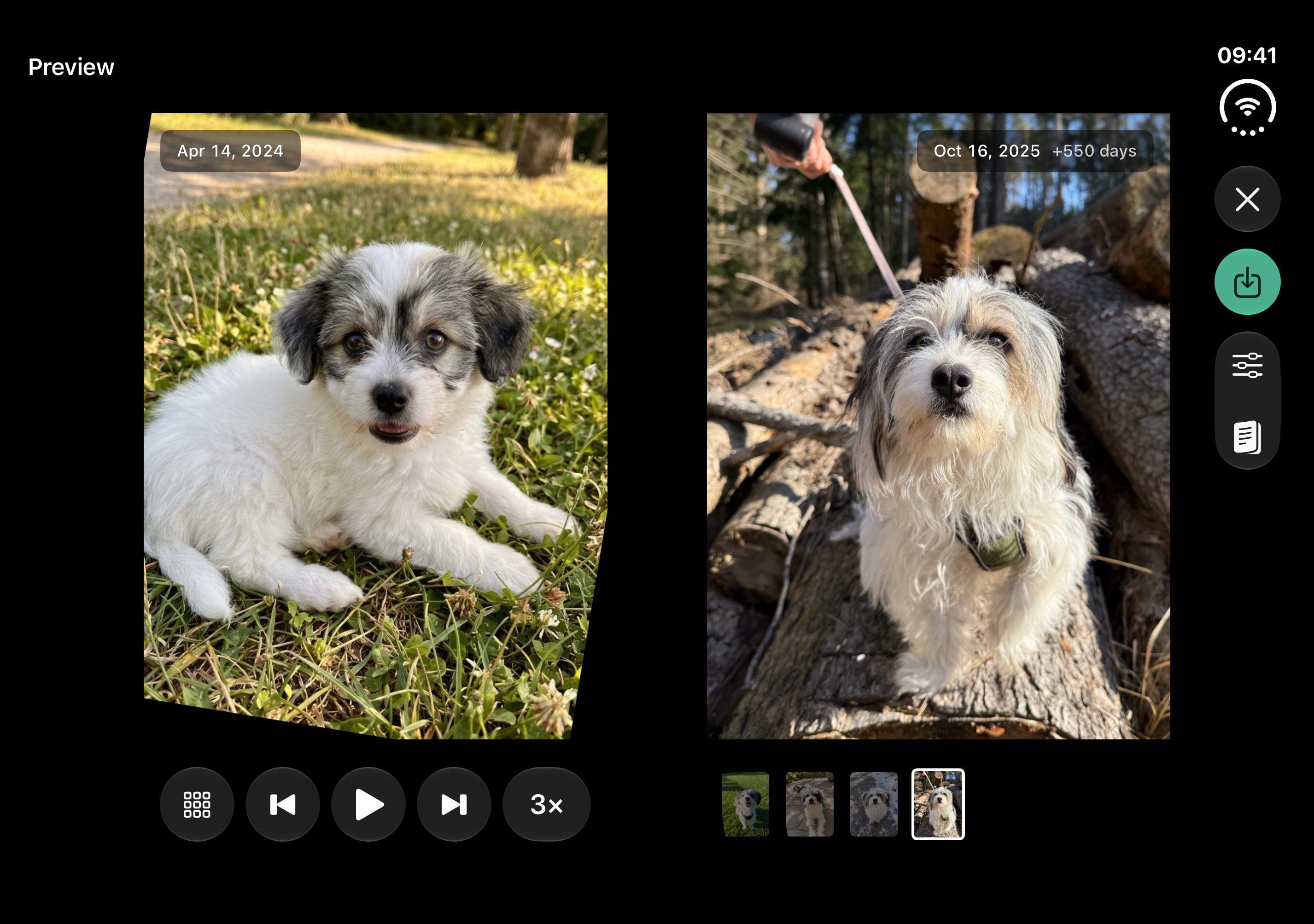
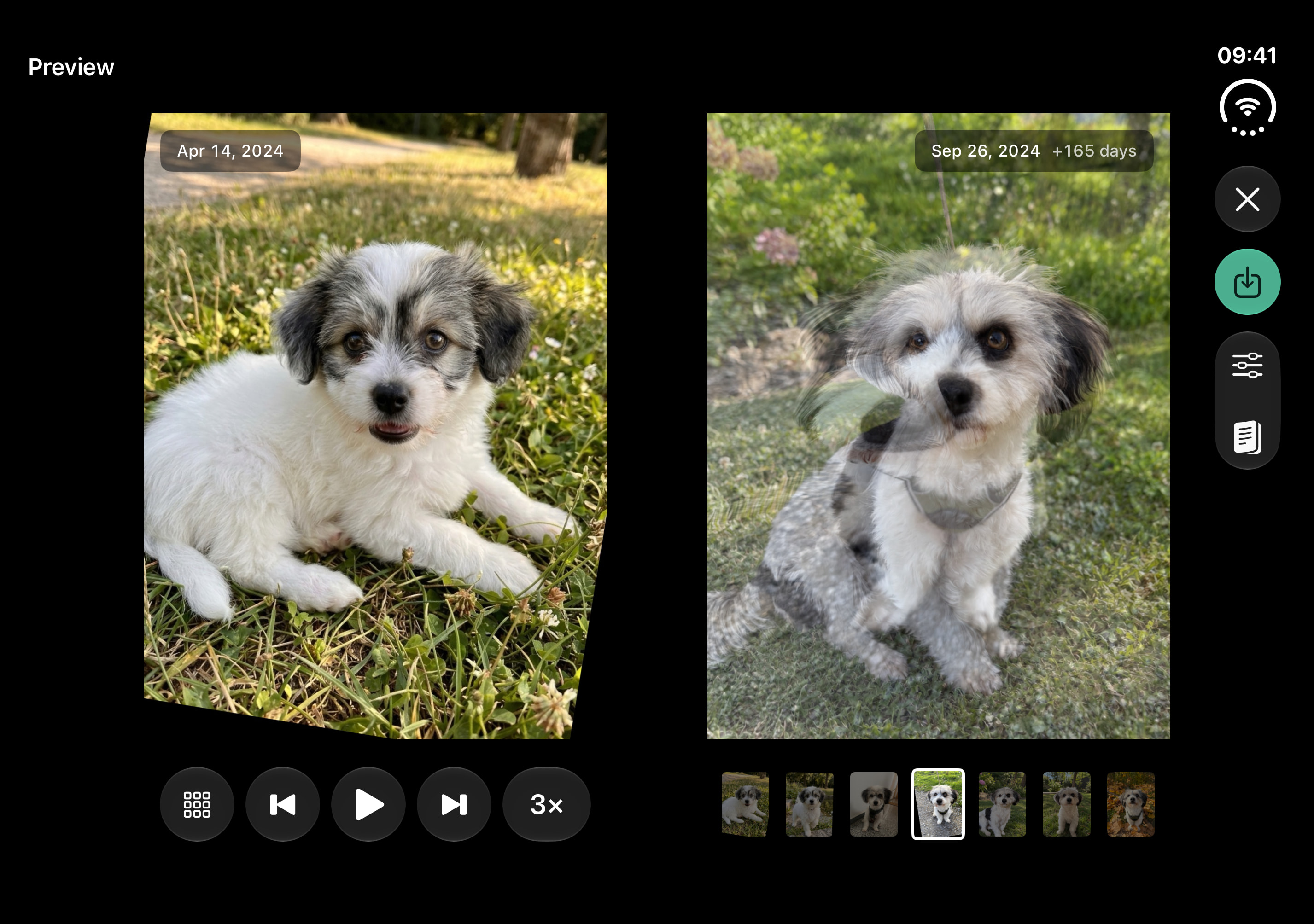
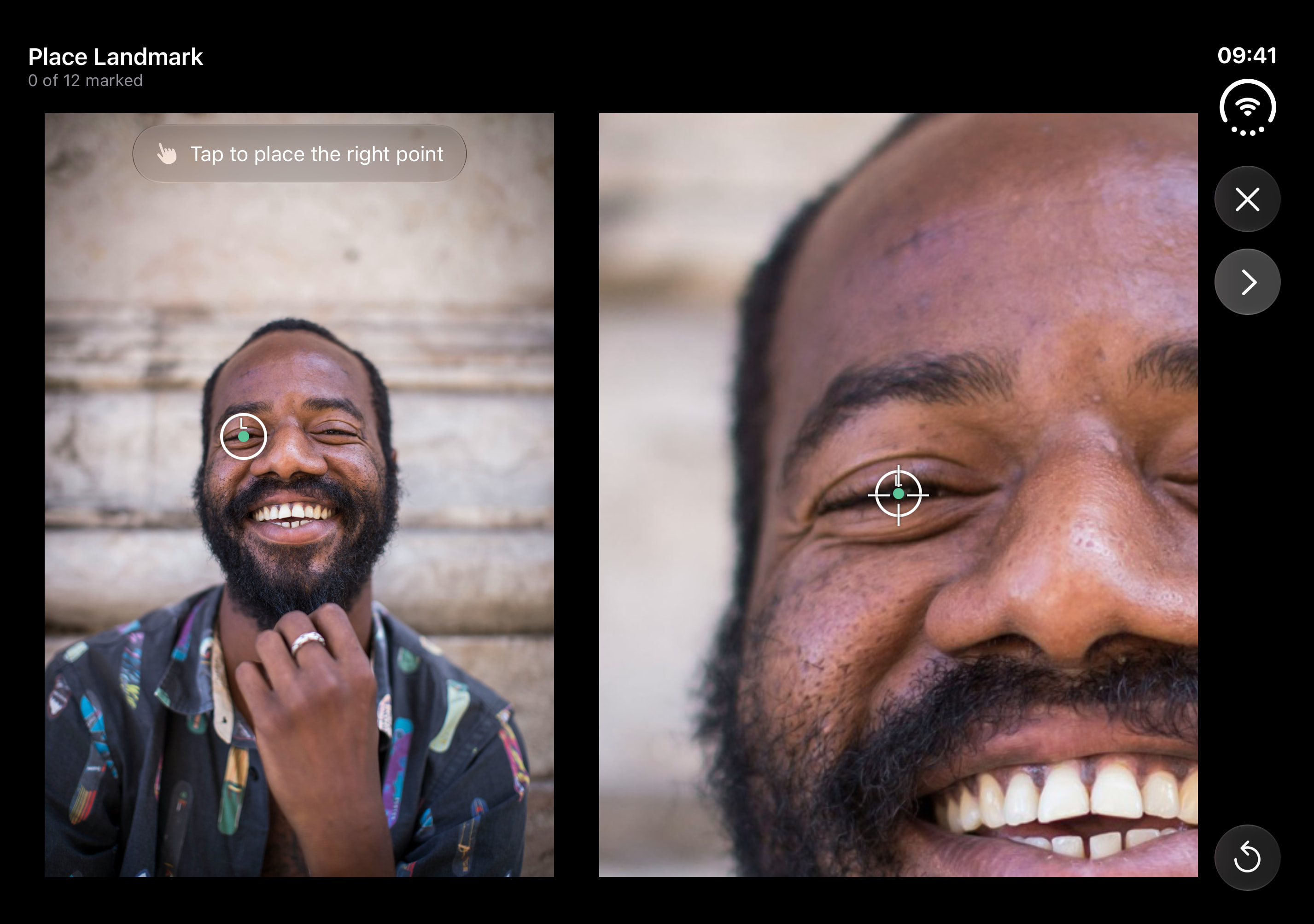
Then the use cases widened. I added objects for the match-cut videos where a watch or logo stays centered between shots, and animals for a puppy growing up. When detection failed, manual alignment made room for whatever else someone wanted to line up: one point, two points, or an area.
A test photo also caught a face in the background. Lign chose it first, so I built a picker and duplicated photos with multiple people, letting each person appear in the final result.
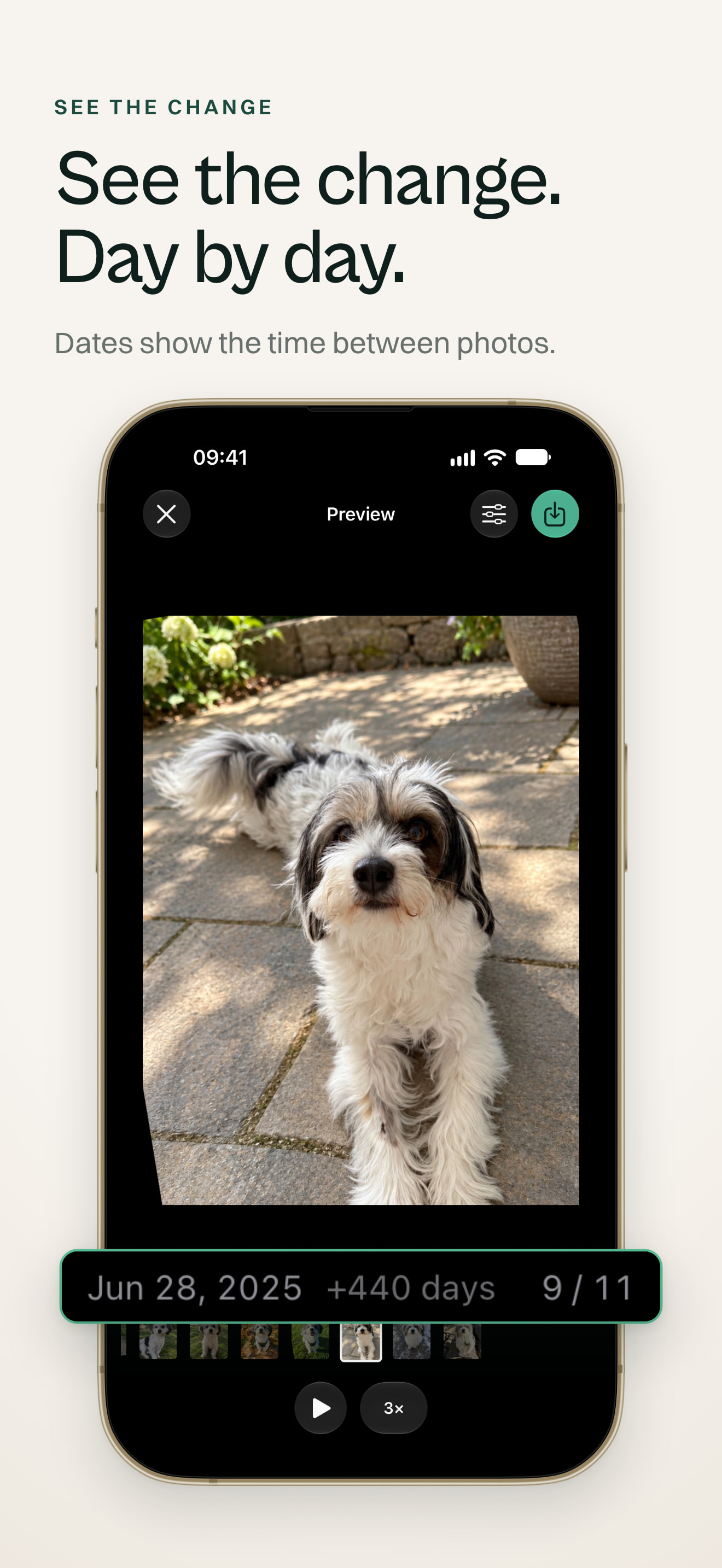
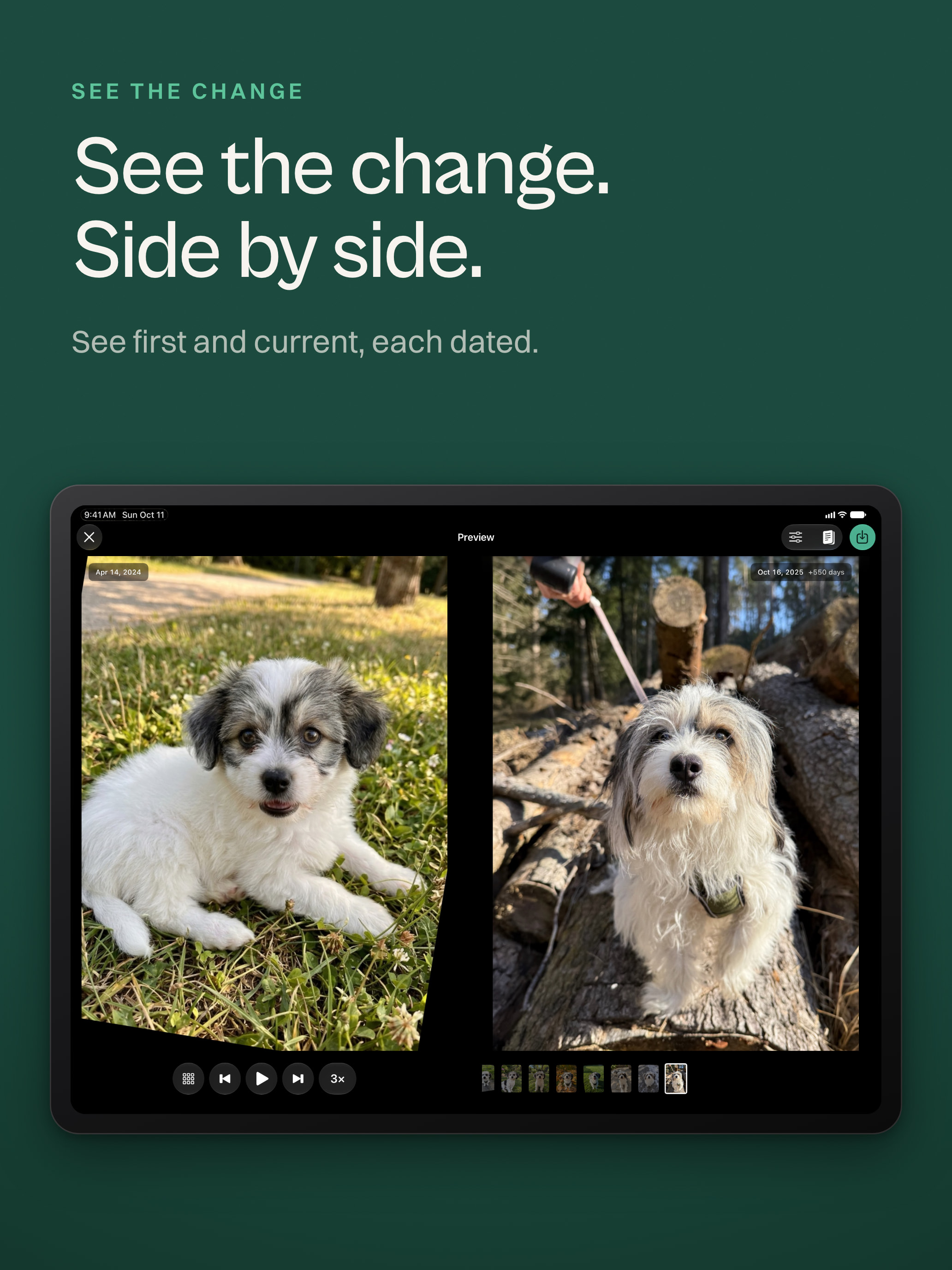
I added video export when I realized not everyone wanted to move aligned photos into an editor. I also wanted Lign to fit the phone's everyday flow, especially the share extension I use all the time. The loading animation takes a cue from Apple Intelligence, so the work happening on device feels visible.
Julian Pomper
Solo indie developer, Vienna
Julian Pomper is a solo indie developer in Vienna. Lign is his second App Store app, built with accessibility and localization in mind from the start.